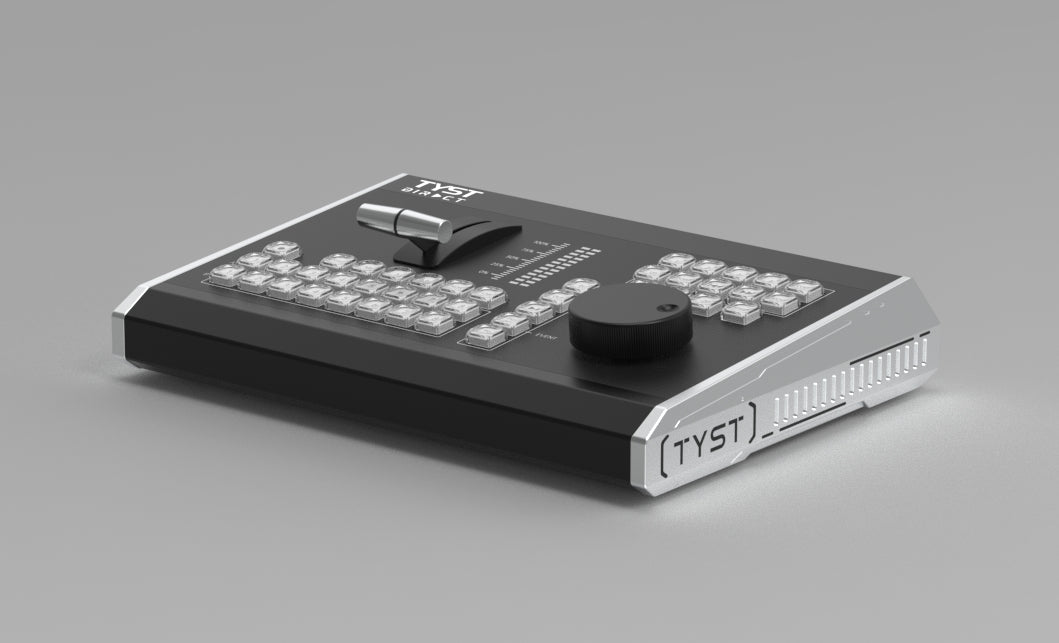
How to Configure the TS R6 Controller
With VMIX
1. Before you start the install, download the Config File and save the file in a location that will be easy to locate.
Download link
https://onedrive.live.com/?redeem=aHR0cHM6Ly8xZHJ2Lm1zL2YvcyFBaG8wcWtqRFd4T0lnVW5EZHNKTFdNYU5wQ3ZNP2U9Z2haaHRa&cid=88135BC348AA341A&id=88135BC348AA341A%21s2e289c9ac41f415bb82fa76f8ccb4cea&parId=88135BC348AA341A%21201&o=OneUp
2. Power off your computer.
3. Connect the TS R6 controller to your computer using the included USB cable.
4. Power on computer and ensure the switcher illuminates.
5. Launch the VMIX software.
6. Click on the Settings button in the top right corner of the software screen.
7. Once the Settings Box opens, click the Install button in the bottom left corner.
8. Locate and select the Config File you saved in Step 1, click Open and then OK. You will then be prompted to restart VMIX. Click OK.
9. Once VMIX restarts, click the Settings button in the top right corner of the software screen.
10. Once the Settings Box opens, click the Shortcuts button in the left-hand menu to ensure Short Cuts were installed. Once you confirm, click the Activators button in the left-hand menu to ensure Activators were installed.
11. Click OK to exit the Settings panel.